// PROJECT NOTE
Why I built ghssh to switch between GitHub accounts
The original 0.1.0 release: a Python CLI for Linux that switches GitHub SSH accounts, restores previous settings and helps manage keys with backups and dry-run previews.
Read articlesouth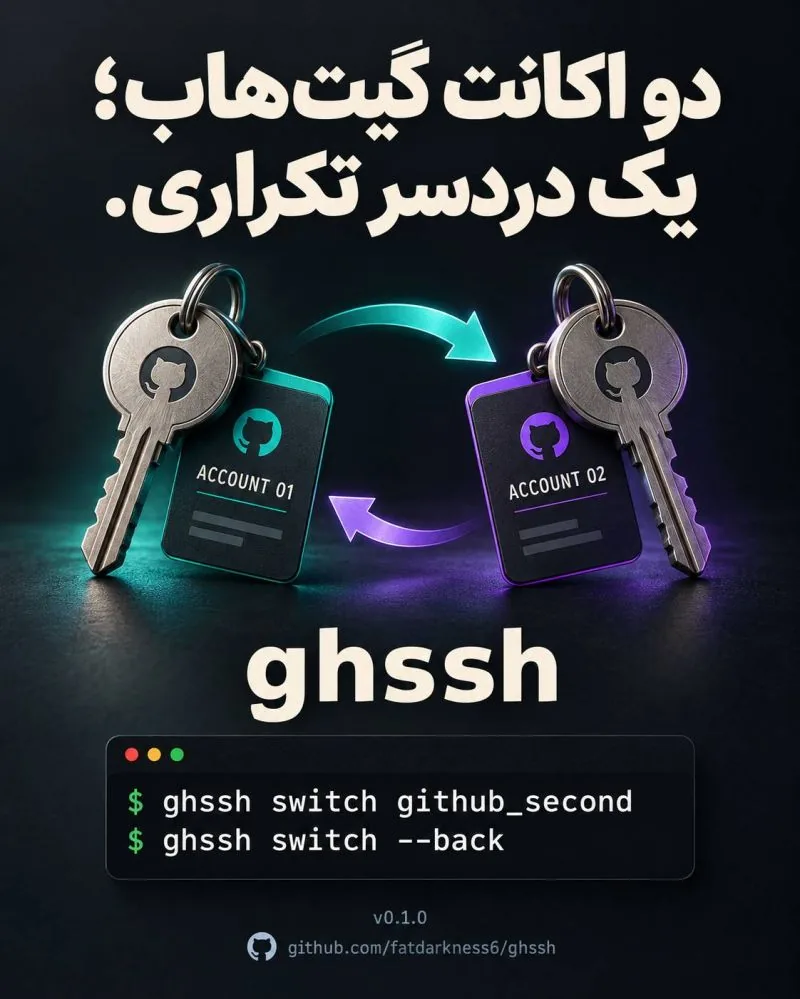
A simple account change had too many moving parts
Why did switching between two GitHub accounts have to be so frustrating? I had an SSH key for my main account, wanted to work with a second account for a while, then return to the first. That was the whole task.
But I still had to keep track of the keys, SSH configuration and how to restore the previous setup. Eventually I decided to make that round trip easier for myself. The result was ghssh, a Python command-line tool for Linux.
Switch, do the work, then go back
Once the second account's key is ready and its public key is registered with GitHub, I can switch to it. When the work is finished, --back restores the previous settings. Both keys stay in place.
ghssh switch github_second
ghssh switch --backThe key-management tasks around the switch
While building it, I added the related tasks I kept needing:
- Create an Ed25519 key with a chosen name and comment, and copy its public key.
- Replace the active key while keeping the previous key and a backup.
- Show existing keys, the key configured for GitHub and identities loaded in ssh-agent.
- Check configuration status and test the GitHub connection.
- Back up and restore GitHub-related keys and configuration.
Preview changes before applying them
I added a dry-run preview so the planned changes can be inspected before they are applied. Selective removal of GitHub settings or tool-managed keys requires confirmation and checks the key fingerprint.
The tool can also help add a public key to GitHub through GitHub CLI, when that CLI is installed and signed in. These checks and confirmations are part of the workflow, not steps I wanted to hide.
A small open-source tool, ready for feedback
I published version 0.1.0 as open source. Installation uses pipx, so ghssh can run directly from the terminal without manually activating a virtual environment.
It started with a task that was annoying me. If you also move between GitHub accounts, I would like to know which parts of that workflow still get in your way. The related project page has the repository and installation guide.